Oxide exposes metrics using OxQL. You can query and visualize OxQL metrics from Grafana using the OxQL Data Source Plugin.
Note
OxQL is currently limited in its ability to fetch large results; queries that fetch many unique series or use a long time range may fail due to rate limits. To query metrics over longer intervals, consider using the OpenTelemetry integration.
Install the plugin
The OxQL plugin isn’t currently published or signed using the Grafana registry, so you can install it from the GitHub release. Choose a VERSION from the latest release, then install:
grafana cli \
  --pluginUrl https://github.com/oxidecomputer/oxide-oxql-datasource/releases/download/v$VERSION/oxide-oxql-datasource-$VERSION.zip \
  plugins install oxide-oxql-datasource
Then allow Grafana to use the unsigned plugin:
[plugins]
allow_loading_unsigned_plugins = oxide-oxql-datasource
Configure the plugin
Navigate to Connections > Data sources and create a new OxQL data source. Set the Host and API Key, and click Save & test to verify the configuration.
Query OxQL
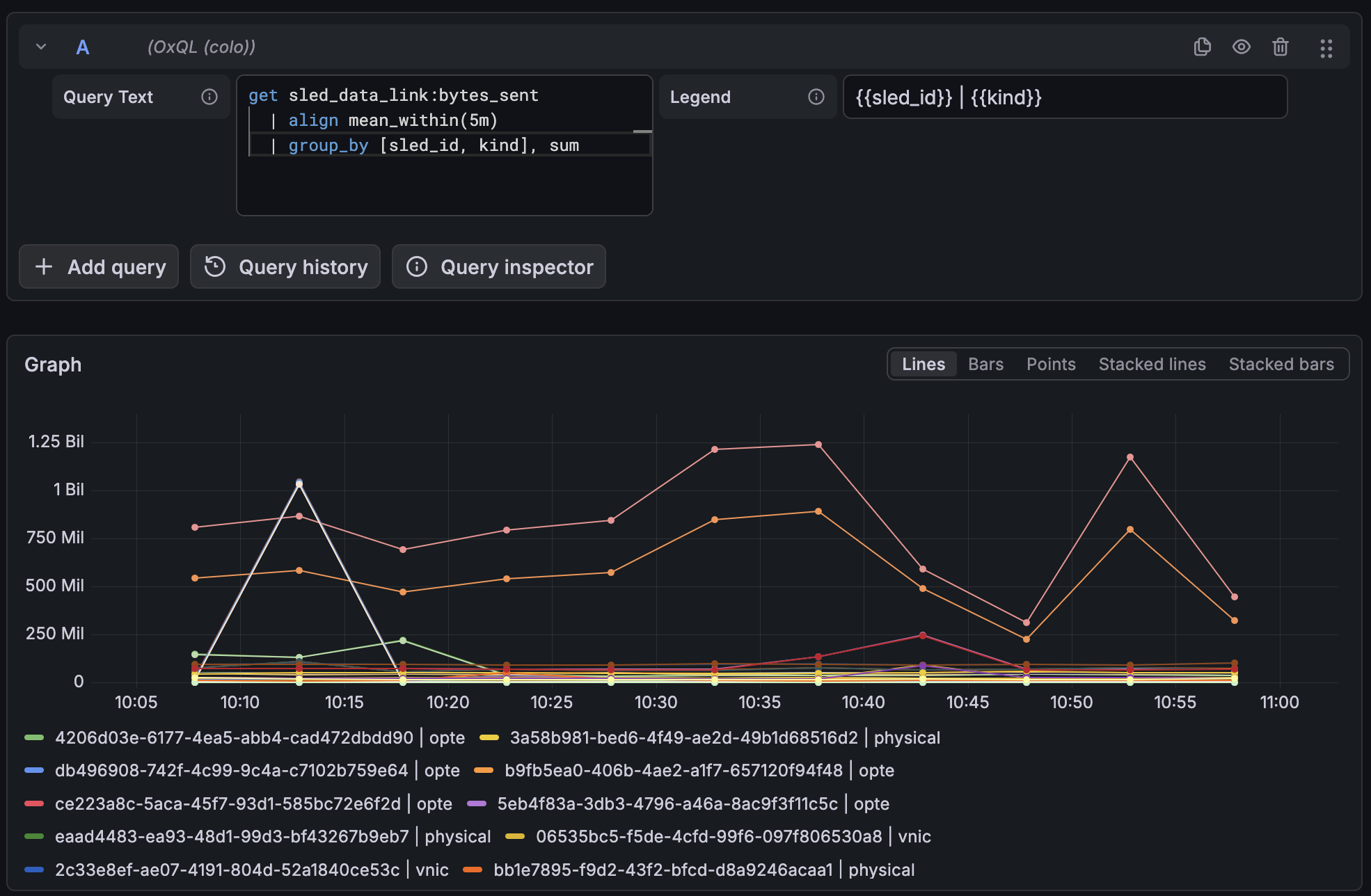
Now you can run OxQL queries from Grafana: